Media Programming
Updated: 2026-05*
This article was written before 2020. It is kept here as an archive — the content is outdated and some links may no longer work.
A Paradigm Shift in Media Technology
Media such as music, printing, photography, and video—which until a few decades ago were built on different technologies—have now been completely replaced by digital technology. As the terms DTM (Desktop Music — a Japanese-coined English term; in English, Computer Music), DTP (Desktop Publishing), and DTV (Desktop Video) suggest, all of these are now produced using computers.In the music, printing, photography, and video industries, the previous analog technologies collapsed, leading to layoffs—a situation that was far from a laughing matter for the engineers and creators involved.
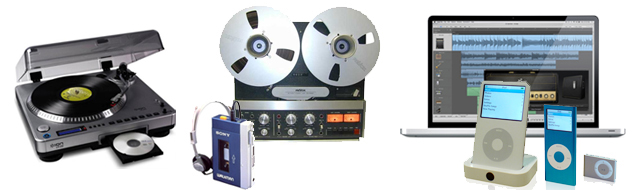
Records, CDs, tape recorders, open-reel tape recorders, iPods
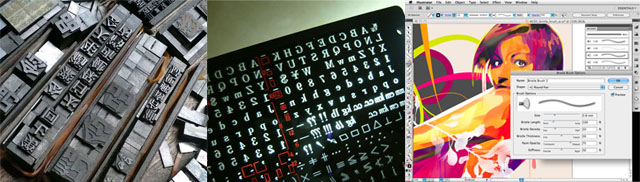
Letterpress, phototypesetting, DTP
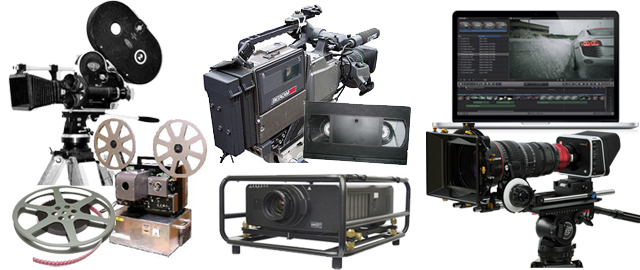
35mm film cameras, film projectors, BETACAM-SP professional cameras, VHS recorders, video projectors, digital cinema cameras
While the digitization of media itself represented a major transformation for engineers and creators, from the perspective of viewers and readers, there was no change in the way content was consumed. Rather, it was the emergence of the internet and smartphones that was truly revolutionary, transforming the very environment in which people “watch, listen, and read.” Digital devices have even dispelled the traditional associations between media and physical objects—such as music and records, video and TV or movies, text and printed materials, and photography and photographic paper.
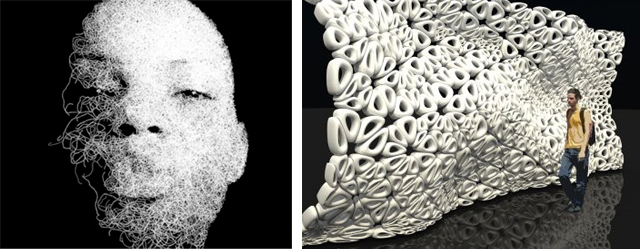
On the other hand, in terms of artistic expression, new technology equated to new forms of expression, presenting an opportunity for creators. Forward-thinking creators embraced and overcame this wave of digitization, giving rise to new forms of expression and production methods. Computer-based production did not merely replace traditional analog tools with digital ones; it also utilized programming to create things that would have been impossible to produce using conventional methods. This trend has expanded beyond musical and visual media to include the design of tangible products and architectural structures.
The Emergence of Media Programming
Computers were originally developed as devices for programming in the fields of science and industry. Although what is known as “computer art” had existed since around 1950, it was practiced only by a handful of innovative artists (and engineers); generally speaking, it was not something that artists or designers could easily take up, and given the state of computer graphics technology at the time, its expressive capabilities were limited.
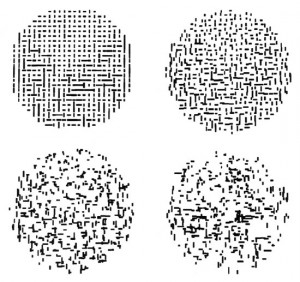
A. Michael Noll, “Four Computer-Generated Random Patterns Based on the Composition Criteria of Mondrian’s Composition with Lines” (1964) → See
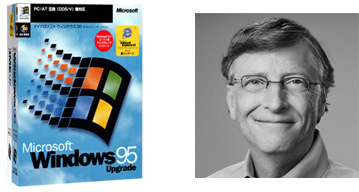
The current model of using computers—where applications run on GUI (Graphical User Interface)-based operating systems—generally began around 1995 with the release of Windows 95. Subsequently, the emergence of digital video cameras and desktop publishing (DTP) led to the paradigm shift in media technology described above.
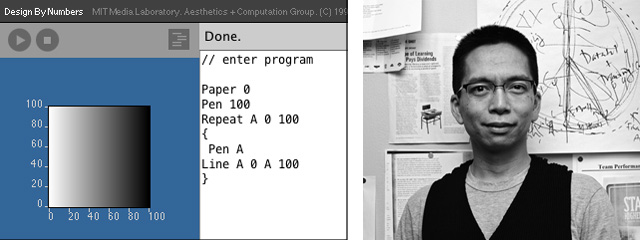
Around 1995, programming was the domain of technical experts—computer specialists—and media programming had not yet emerged (though it was just beginning to take shape).In 1996, John Maeda, who had just been appointed as anassociateprofessor at MIT, launched the Design by Numbers project (which is still available today) and began exploring what programming meant for designers and artists. Subsequently, Ben Fry and Casey Ries, who were students of John Maeda, released Processing (prototype in 2001, version 1.0 in 2008).
Processing
A Java-based programming development environment developed by Ben Fry and Casey Rees, with “Design by Numbers” as its predecessor. A prototype was announced in 2001, and after passing through alpha and beta versions, version 1.0 was released in 2008. As of December 2017, version 3.3.6 is the latest release.
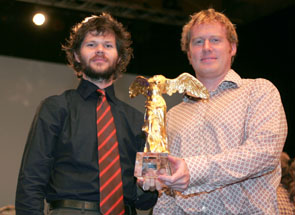
Ars Electronica Goldene Nica Net Vision: Benjamin Fry, Casey Reas
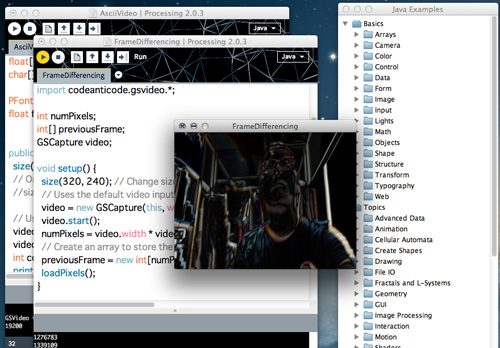
http://processing.orgから無料でダウンロードできる. Compatible with Windows, Mac, and Linux. Open source. You can enter your code into a text-based IDE (Integrated Development Environment) and run it simply by clicking the “Run” button. It includes a wide variety of libraries, allowing you to get comfortable with programming while verifying how it works using sample programs. With numerous books available in Japanese, it is entirely possible to learn it on your own.
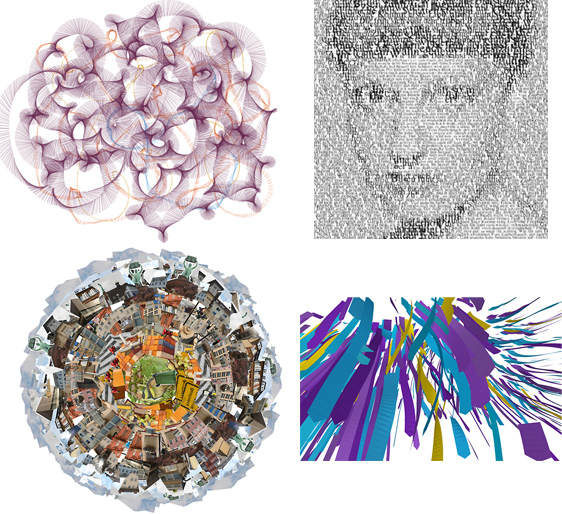
In my personal opinion, it excels at rendering graphics and, because it allows for rapid trial and error in a text-based environment, it is particularly well-suited for building generative art algorithms. The image below shows http://www.generative-gestaltung.deに公開されているサンプルによって生成された画像.
openFrameworks
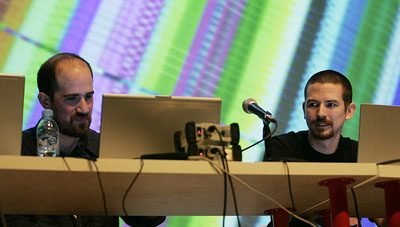
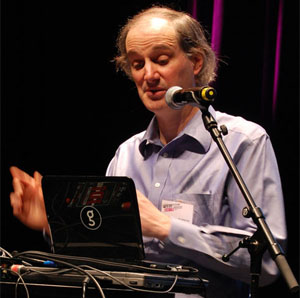
openFrameworks is a collection of C++ programming language libraries developed primarily by Zachary Lieberman (left in the image below) and Theodore Watson (right in the image below). Heavily influenced by Processing, it adopts C++—a lower-level (hardware-closer) language than Java—as a programming environment for artists and designers. It enables media programming that maximizes the potential of computers.openFrameworks also has a comprehensive Japanese website, and the PDF version of the manual is available for free under a Creative Commons license.
Java, the foundation of Processing, enabled more efficient development than C++ because the Java API abstracts away hardware differences; however, its slow execution speed was a drawback. openFrameworks handles the setup of the development environment so that users can program easily while taking advantage of C++’s high performance. Unlike Processing, openFrameworks does not have its own IDE or language. Therefore, you must set up an IDE that is compatible with your computer yourself.On Mac, use Xcode. On Windows or Linux, use Code::Blocks, etc.
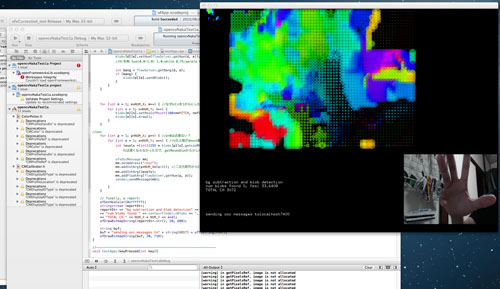
The following are examples of works created using openFrameworks.
Cycling’74 Max
A Java-based graphical programming environment developed and sold by Cycling’74. It was originally developed by Miller Puckette, a former researcher at the French National Institute for Audiovisual Research (IRCAM), for the purpose of programming music. Subsequently, its audio and video processing capabilities were enhanced, and it came to be used for media programming and interactive art as well.It was previously sold under the name Max/MSP/Jitter, but has now been integrated into Max. In Japan, MI7 distributes the Japanese version. It runs on Windows and Mac.
What sets it apart from Processing and openFrameworks is its unique graphical interface. Instead of typing text, users build programs by connecting boxes—called objects—with patch cables, making it easy to visually understand the program’s structure. It includes features specifically designed for music production and is used by renowned artists such as Ryuichi Sakamoto.
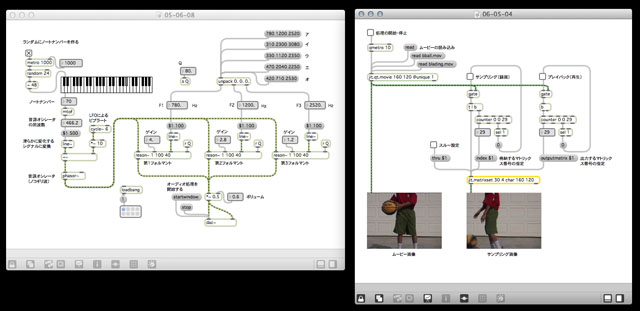
The image above shows a sample patch from “2061: Max Odyssey.”
Pure Data
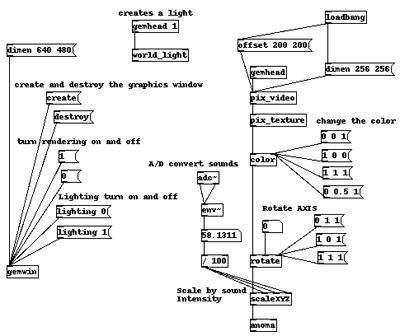
Pure Data was developed by Miller Puckette, the creator of Max, and is open-source freeware. Like Max, it is a graphical programming environment. It is compatible with Mac, Windows, and Linux. In recent years, the availability of Japanese books and websites has increased, leading to a growing community. Since it also runs on Raspberry Pi (Linux), its range of applications has expanded, bringing it back into the spotlight.
Touch Designer
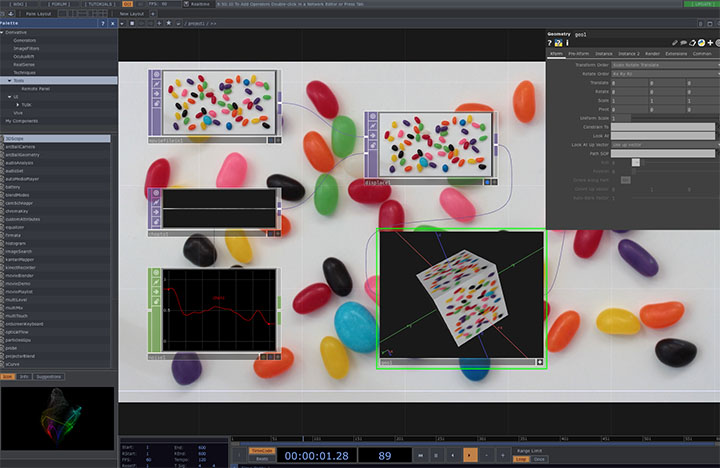
Touch Designer was developed as a tool for creating interactive animations in the Windows environment. It incorporates features such as OpenGL and Python scripting, and a Mac version was released in 2017. Like Max and Pure Data, it is a node-based graphical programming environment.It excels at real-time visual effects and has gained popularity in recent years due to its ability to run large-scale systems, such as live performances and projection mapping, with stability. The Pro version is paid. For personal projects, a free version with limited functionality is available. Japanese-language websites and books on the subject are also becoming increasingly available.
Adobe Animate
Formerly known as Adobe Flash Professional. Originally a tool for creating timeline-based vector animations, it came to be used for a wide range of purposes after features such as ActionScript, bitmap processing, and video processing were added. However, Flash Player has faced issues with stability and security and will be discontinued by the end of 2020. It will be replaced by alternative technologies such as HTML5 and WebGL. Adobe Animate was redeveloped based on these technologies.While it is possible to perform media programming, ActionScript itself is a proprietary language, so there is a sense that it lags slightly behind the latest technologies. It is well-suited for creating web content or animations.
Quartz Composer
A visual programming environment developed by Apple exclusively for the Mac. Like Max and Pure Data, it involves creating programs by connecting patches, but it has a slightly different approach and is well-suited for motion graphics production. Quartz Composite is a modularized version of Quartz, the graphics engine of Mac OS, and is capable of generating smooth motion through high-speed processing. It also supports the creation of interactive content.
You can register with the Apple Developer Center, search for “Graphics Tools for Xcode,” and download it. As of December 2017, it does not work on macOS High Sierra. It is unclear whether development has been discontinued. If you wish to use it, you will need to downgrade to an older OS.
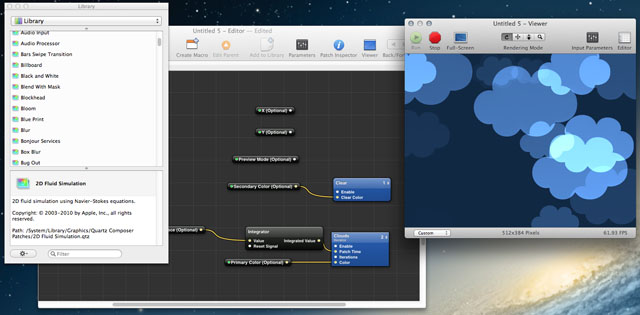
You can download various samples from the Futurist Art and Crafts website hosted by Mr. Shikano of WOW.
VVVV
Coming soon
Notch Designer
Coming soon