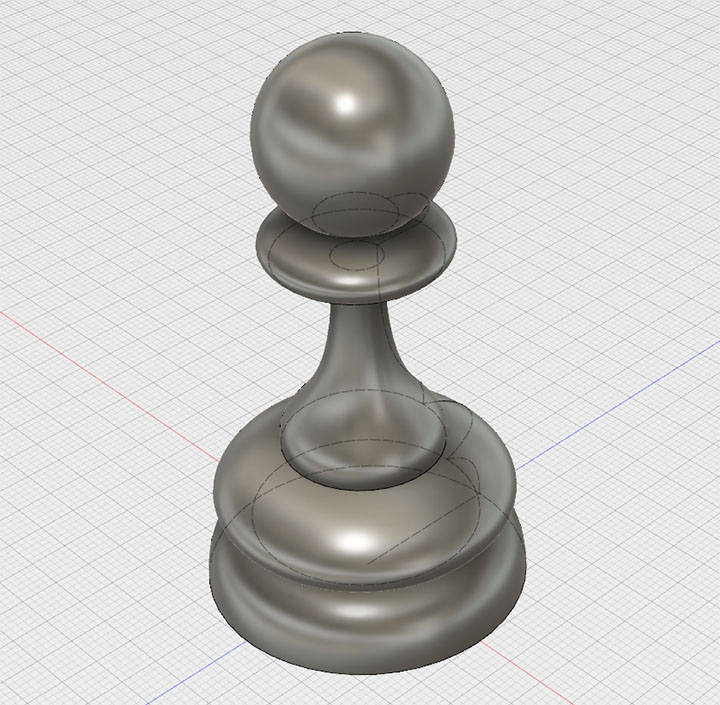
Fusion 360 Exercise 2
Updated: 2026-05*
This article was written before 2020. It is kept here as an archive — the content is outdated and some links may no longer work.
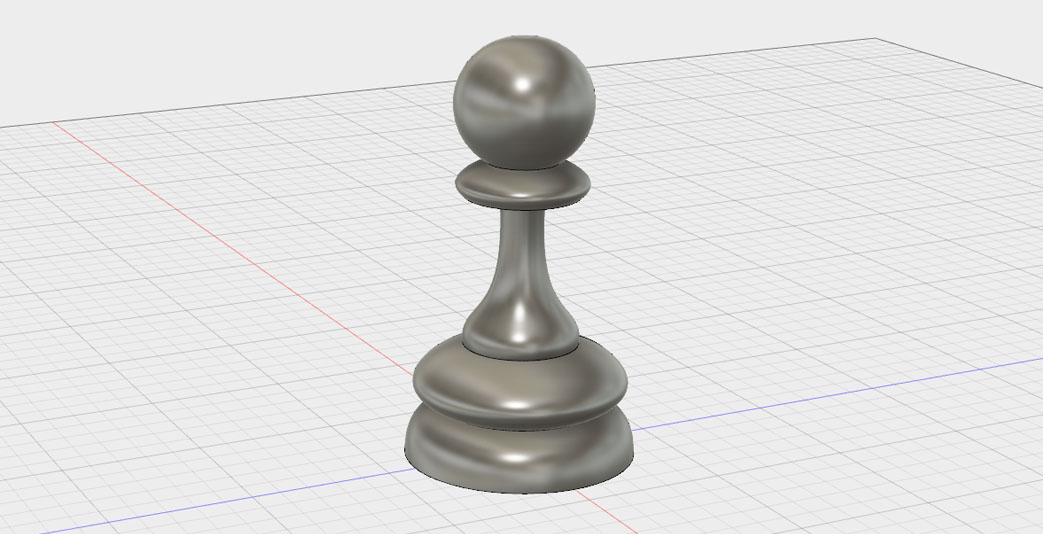
Creating Pawns
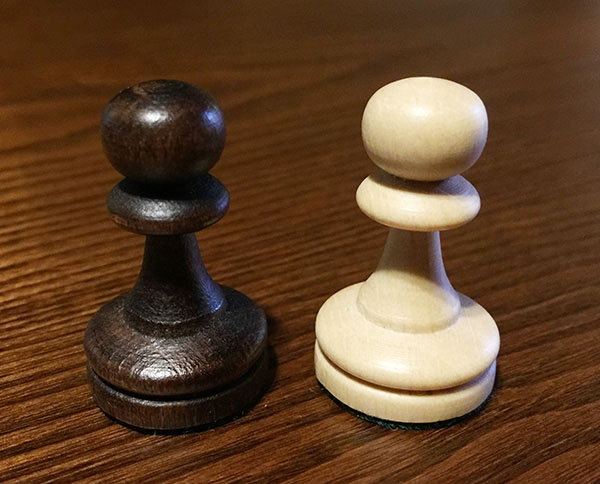
In this exercise, we will create a chess pawn. The photo below shows the pawn we used as a reference.
This document was written in October 2017. Functionality has been verified in Fusion 360 version 2.037.
Creating a Sketch (Cross-Section Shape)
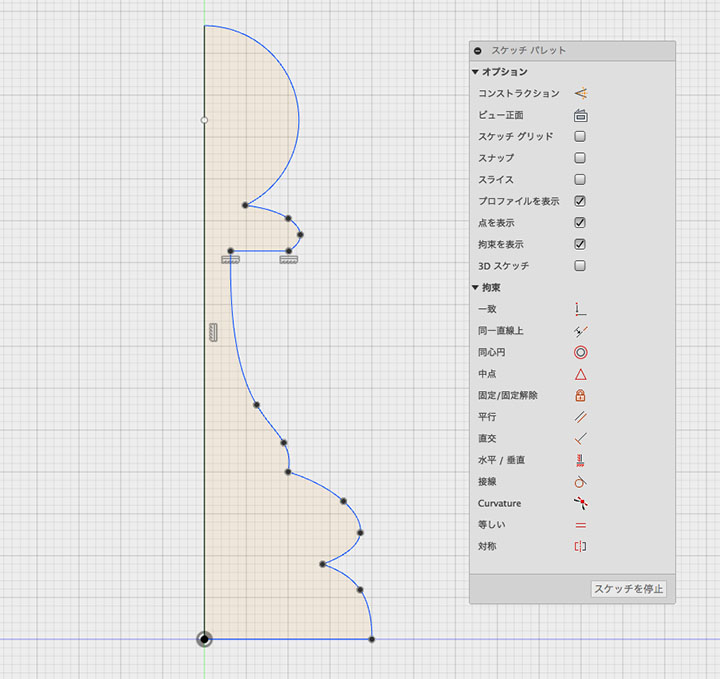
In this exercise, we will create a 3D object using rotation, so create a sketch of half the cross-section.
Using the center of the base as the origin, create the figure shown below using line segments, splines, arcs, and other elements.
When creating a closed path, ensure it is contained entirely within a single sketch.
A region created from multiple sketches cannot be selected as a rotation profile.
Rotation
Click Create > Rotate.
Select “Cross-Section Sketch” in the profile. Select the Y-axis. If it is difficult to select the axis, select the Y-axis of the browser’s origin.
If you want to modify the shape, use the history function to re-edit the sketch.
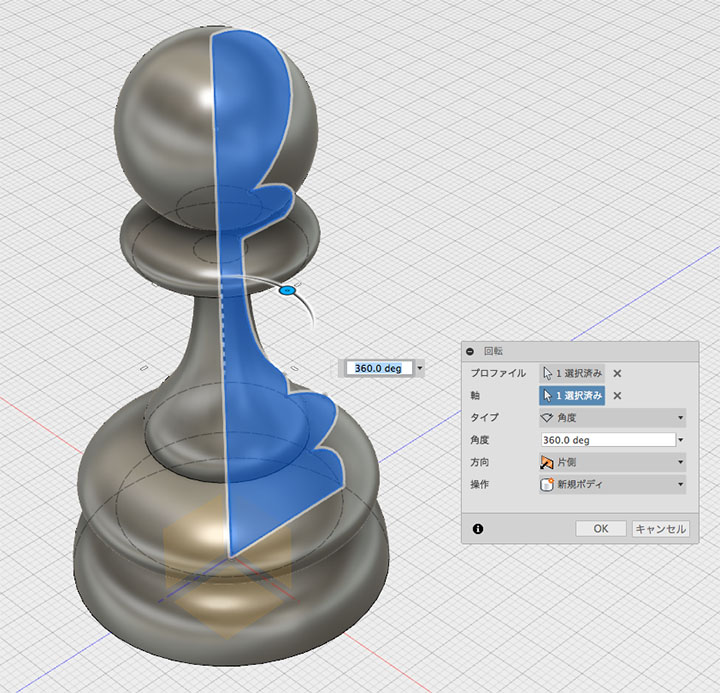
Click the OK button to finish.